Everyday
The most comfortable mode
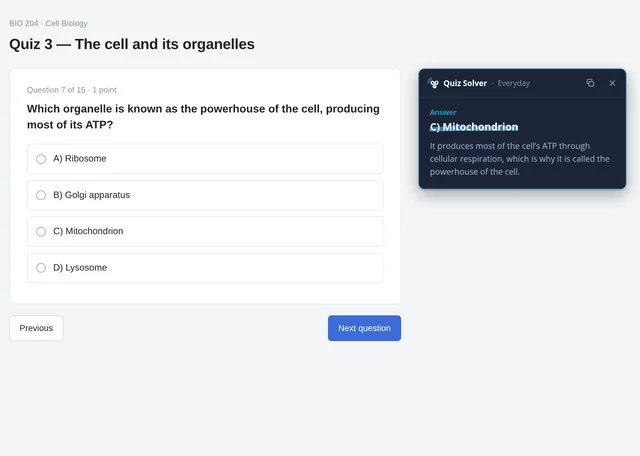
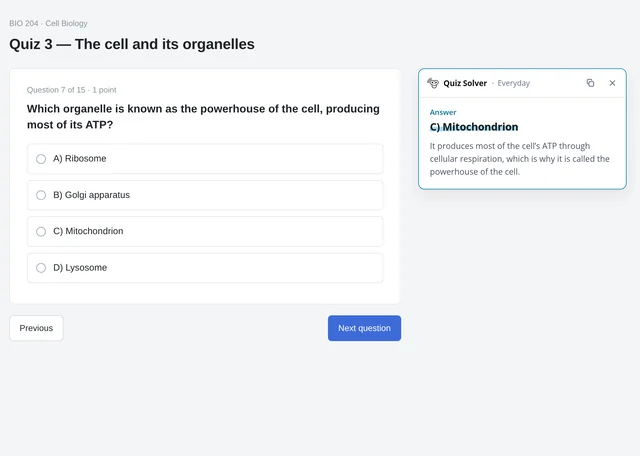
Just click and drag the question and see the result on a convenient card next to your question.
Use whenNo one is watching and you just want it easy: the answer right next to the question.

Just click and drag and get your answer, powered by superintelligence.
Select any question on the page and Monorean Quiz Solver shows you the answer in a second, right beside it.
Press Alt + Shift + S and select the question
Activate Always on and select your question at any time
Your genie reads the question you select and grants you the answer, powered by state-of-the-art artificial intelligence. No spells, don't leave your tab, no copy-paste.
Works only on these quiz platforms: QuizHarbor, Testbloom, and StudyNest.
First, install Monorean Quiz Solver Extension, then:
Or activate Always on
Text, images, formulas: whatever is on the page.
In a second, in the mode you chose.
Monorean Quiz Solver provides three intuitive methods.
The most comfortable mode
Just click and drag the question and see the result on a convenient card next to your question.
Use whenNo one is watching and you just want it easy: the answer right next to the question.

Just the answer, nothing else
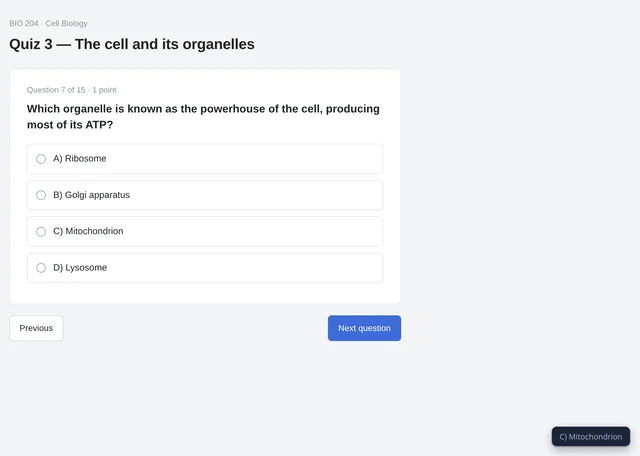
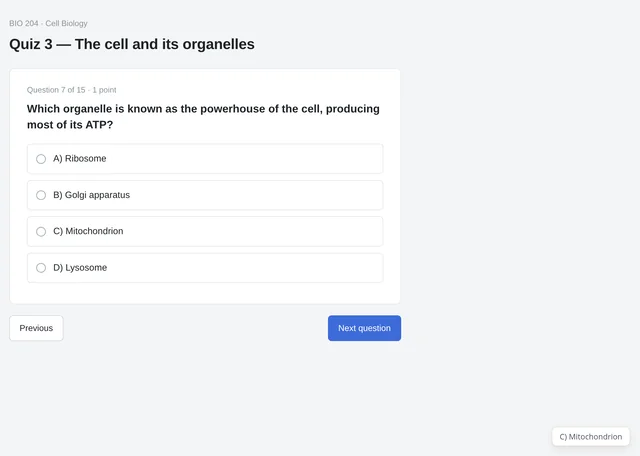
A very discreet banner, tucked into the bottom right corner, shows your answer.
Use whenSomeone might be looking over your shoulder: a tiny line in the corner is all they would see.

The maximum protection
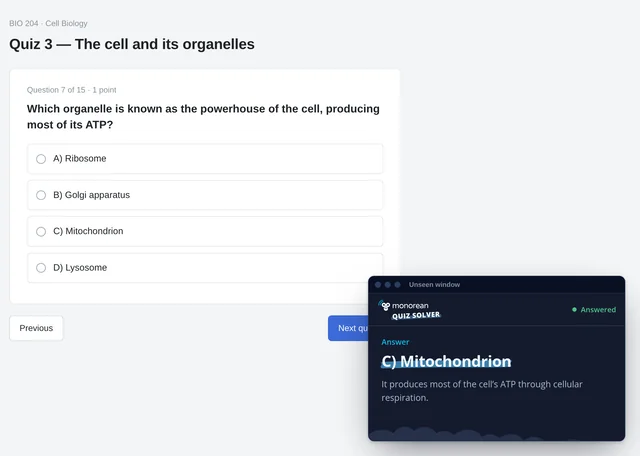
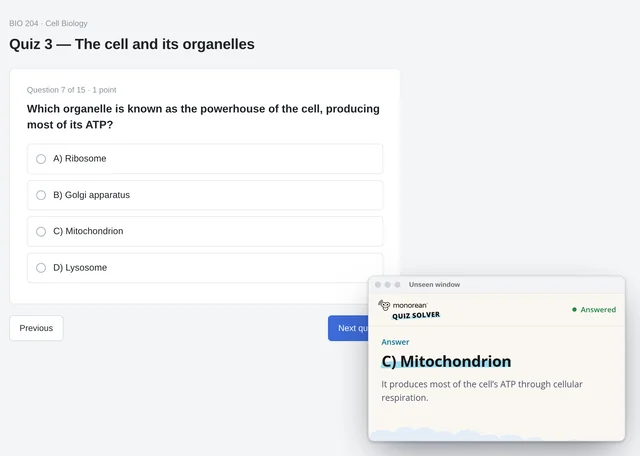
Read your answers in a pop-out window of their own. Nothing is ever drawn on your quiz tab.
Use whenYou want total peace of mind and maximum privacy.

What happens on your tab stays on your tab.
Everything happens right on your tab, so you never have to leave it.
In Everyday and Discretto™ a dashed box follows your drag on the page, so you always see what you are framing.
In Unseen nothing is drawn on the quiz at all.


Follow your drag right in the Unseen window. Nothing shows up on your quiz tab, but a live minimap around your pointer shows exactly what you're selecting.


Shown when the Unseen window is over 630 px wide.
In Unseen mode, nothing is ever drawn on your quiz tab. Not a box, not a line, not a pixel.
Keep your genie awake. Switch on Always on once and every drag over a question is a wish: no shortcut, no keys, any time.
Make the Unseen window narrower than 290 px and it strips down to the answer: no logo, no labels, no hints, just a small dot that tells you it's ready. The most discreet way to keep your genie in sight.
Press Alt + Shift + S and select the question
C) Mitochondrion
One click and the answer is in your clipboard, ready to paste. In Everyday, use the copy button on the card; in Discretto™, just click the little banner and it says "Copied".
Unseen never copies anything, for full protection.
Text, pictures, charts or formulas: whatever you frame, your genie's superintelligence reads it and grants the answer.
Not just web pages: drag over a question inside an image, a screenshot or a PDF open in your browser, and your genie reads it all the same.
Simple plans, counted in questions.
Cancel anytime.
Pay yearly and save 20 %.
5.99 USD / month
9.99 USD / month
18.99 USD / month
Prices in USD. Secure card payments.
Add Monorean Quiz Solver to your browser and try it on your next quiz.
Works only on the following quiz platforms: QuizHarbor, Testbloom, and StudyNest.
Supported browsers: Google Chrome, Brave, Microsoft Edge, Opera, Vivaldi, Yandex Browser, Chromium